Brand Resources

The VIABLE Lab brand kit

Logos, templates, video backgrounds and the right words for anything you make about the lab. Download what you need, and personalize most of it in a click.

What are you working on?

Logos

The logo, for light and dark backgrounds

Use the files as they are. Switch a card to dark to see the version made for dark backgrounds and photos.

  • Clear spaceKeep a margin around the logo at least as wide as one bracket.
  • Minimum sizeHorizontal logo at least 120 px (1 in) wide; the mark alone at least 24 px.
  • On photosUse the dark version on dark color or a calm part of a photo, never on a busy one.

Color & type

Two colors carry the brand

Blue leads. Orange is the accent: labels, highlights and small touches rather than long text. Select a value to copy it.

VIABLE Blue

Headlines, links, primary actions.

VIABLE Orange

Accents, labels, small highlights.

Midnight

Dark backgrounds.

Ink

Body text on light.

Paper

Light backgrounds.

  • Aa
    White on blue · 8.1:1Fine for any text size.
  • Aa
    White on orange · 3.4:1Large text only: 24 px, or 19 px bold.
  • Aa
    Orange on midnight · 4.7:1Fine for text and labels.

Learn for Better

Urbanist

Headlines and titles · ExtraBold 800, Bold 700

Google Fonts

Adaptable, human-centered research in service of better learning outcomes.

Inter

Body text and captions · Regular 400, Semibold 600

Google Fonts

No Urbanist or Inter in PowerPoint or Word? Use Arial: it keeps the same clean, open feel.

Slides & posters

Start from a lab template

Both open in Google Slides as your own copy, so nothing you change touches the original. Export to PowerPoint or PDF from there.

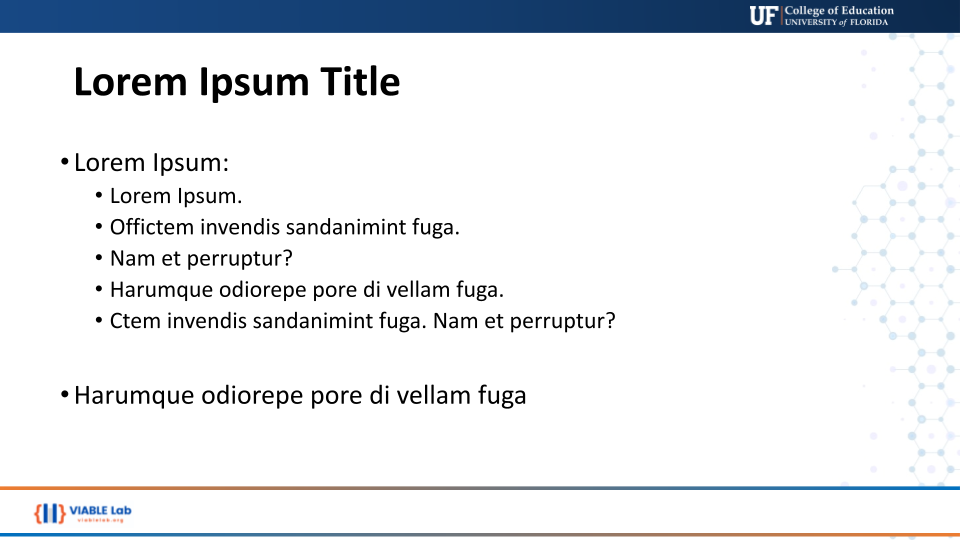
Presentation previewPresentation preview

Presentation

For research talks, conference presentations and lab meetings, with title, section and content layouts.
  • Title, section & content layouts
  • Lab colors and type set up
  • 16:9, exports to PowerPoint
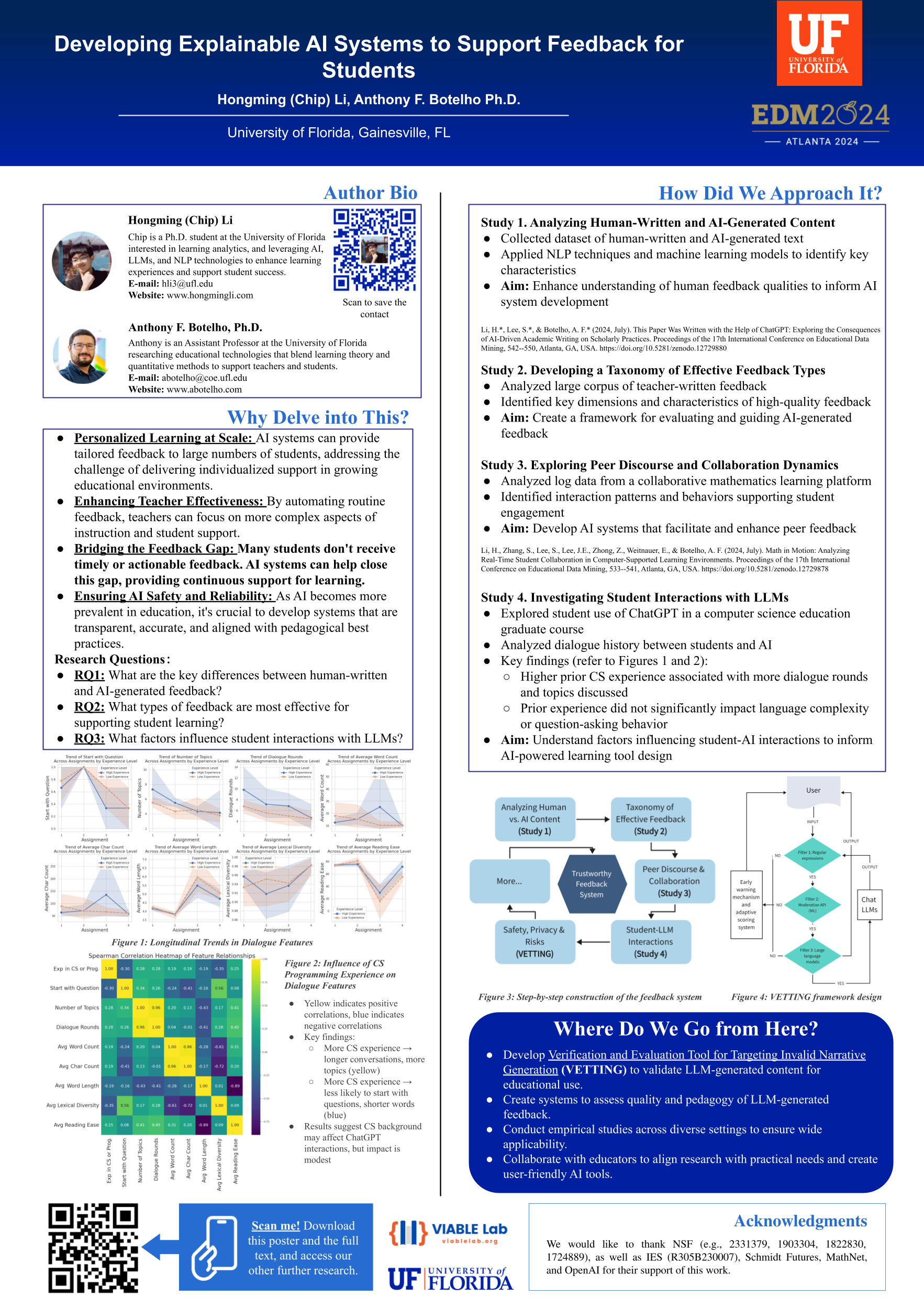
Research poster preview

Research poster

A structured layout for conferences and symposiums, with the lab identity built in.

  • Standard poster format
  • Research sections laid out
  • Exports to a print-ready PDF

Video calls

Backgrounds for Zoom, Teams and Meet

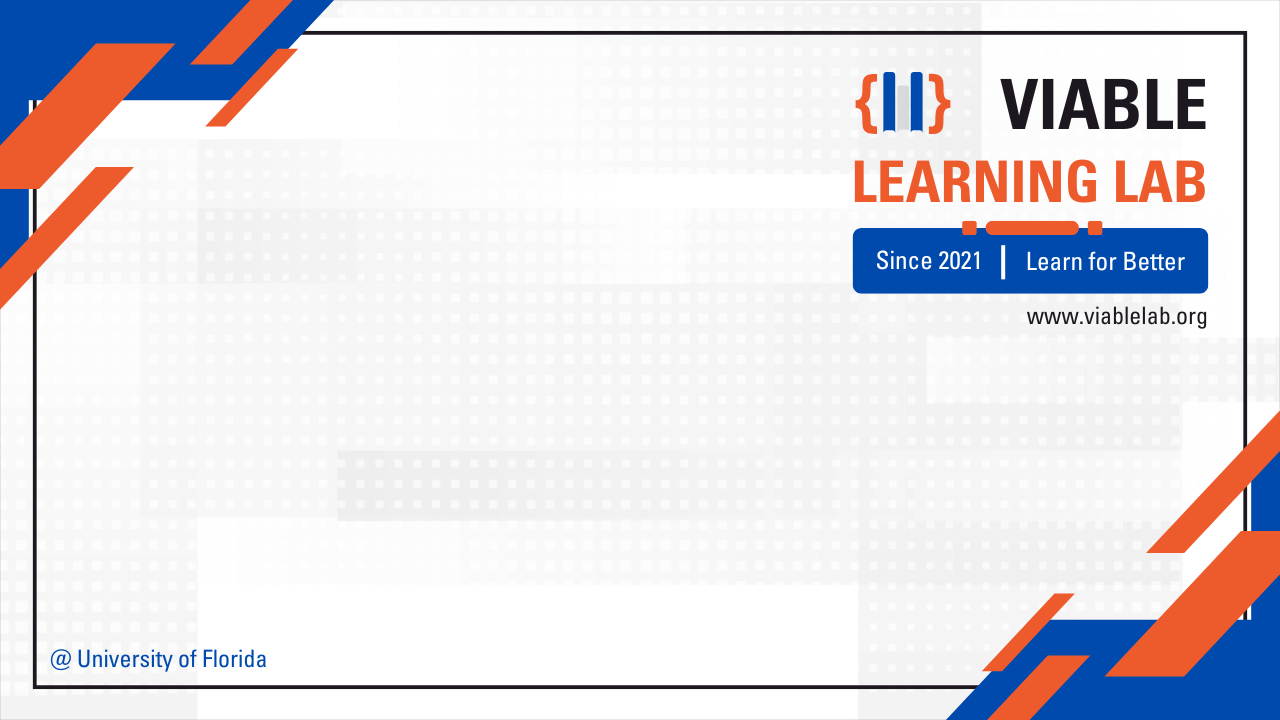
Two new designs that can carry your name and role, plus the classic set. Leave the fields blank for a plain lab background.

Drawing the preview
Your name sits top-left, clear of you in the middle of the frame. Zoom mirrors only your own preview: everyone else reads the text the right way round.
1920 × 1080 px

Classic backgrounds

Classic VIABLE Lab video background 1: Navy
NavyPNG
Classic VIABLE Lab video background 2: Blue braces
Blue bracesPNG
Classic VIABLE Lab video background 3: Orange
OrangePNG
Classic VIABLE Lab video background 4: Frame
FramePNG

Zoom

Settings → Background & effects → Virtual backgrounds → + Add image. Your own preview is mirrored; everyone else sees the text the right way round.

Microsoft Teams

In a call: More → Video effects → Background effects → Add new. Before joining: Effects and avatars on the join screen.

Google Meet

More options (⋮) → Apply visual effects → Backgrounds → + Upload a background image.

Profile banners

A header for LinkedIn and X

Show where you do your work at the top of your profile. Add a line about yourself, or keep it to the lab.

Drawing the preview
Your profile photo covers the lower-left corner, so the words sit on the right.
1584 × 396 px

LinkedIn: open your profile and select the camera on the banner. X: Edit profile, then the header image.

Post cards

Share news with a card

For accepted papers, awards, talks and new members. Write the post in LinkedIn, add the card as its image, and tag VIABLE Learning Lab so the lab can reshare it.

Drawing the preview
Square 1200 × 1200 works in LinkedIn, Instagram and X feeds. Long titles shrink to fit.
Label
1200 × 1200 px

Email

An email signature in a minute

Fill in your details, copy, and paste into your mail settings. The formatting holds in Gmail, Outlook and Apple Mail.

VIABLE Lab
Your Name
VIABLE Lab, University of Florida
  • GmailSettings → See all settings → General → Signature → Create new, then paste.
  • OutlookSettings → Mail → Compose and reply → Email signature, then paste.
  • Apple MailSettings → Signatures → +, paste, and untick “Always match my default message font”.

Writing about us

The words, spelled our way

For papers, bios, slides, press and grant documents. VIABLE is always written in capitals.

VIABLE Lab
Everyday short name, after the first mention.
VIABLE Learning Lab at the University of Florida
First mention and formal writing.
Versatile Innovations in Affect, Behavior, and Learning Engineering
What VIABLE stands for, when you spell it out.
Learn for Better
Our tagline. The lab was founded in 2023.

One line

VIABLE Lab (Versatile Innovations in Affect, Behavior, and Learning Engineering) is a research lab at the University of Florida advancing education through the thoughtful integration of technology and human understanding.

Short bio

The VIABLE Learning Lab at the University of Florida brings together cognitive science, learning analytics, and intelligent technologies in adaptable, human-centered research that serves better learning outcomes. Founded in 2023 and led by Dr. Anthony F. Botelho, the lab is part of the UF College of Education. Learn more at viablelab.org.

Affiliation line

VIABLE Lab, College of Education, University of Florida, Gainesville, FL, USA

Handles to tag

LinkedIn: VIABLE Learning Lab · X: @VIABLE_Lab · GitHub: VIABLE-Learning-Lab · viablelab.org

Usage

A few simple rules

Do

  • Use the official files as they are, scaled proportionally
  • Leave clear space around the logo
  • Pick the light or dark version to match the background
  • Use the color values above

Avoid

  • Recoloring, stretching, rotating or redrawing the logo
  • Shadows, outlines or other effects
  • Busy backgrounds and low-resolution copies or screenshots
  • New color variations

Help & resources

Need something else?

If it isn’t here, ask. A file made once, properly, beats everyone improvising.